
The Handheld Solution for
Access Control
Extend access control systems beyond fixed readers with real-time visibility and mobile validation.
Request Demo
 Request a Demo
One System, Many Applications
XPressEntry enhances physical security with mobile credential validation, occupancy tracking, and emergency accountability. Deploy fully integrated with an existing access control system or as a standalone solution when needed.


Access Control Integrations
XPressEntry leads the industry with the most access control integrations. The system syncs with existing systems to maintain facility occupancy, zones, permissions, users, and more.














































We Read It All
XPressEntry badge readers work with any security credential, including RFID (LF, HF, NFC, UHF), mobile credentials, QR codes, barcodes, and facial recognition.
- Physical Credentials
- Mobile Credentials
- Biometrics
What Our Customers Say

"We had a very successful evacuation drill. The XPressEntry devices were amazing!! Thank you so much for your help. "

"Just wanted to let you know that the XPressEntry installation and integration went smoothly, and our client is very happy with the result."

"I want to thank the Telaeris team for the outstanding tech support we received. We solved the customer problem in time for their deadline and it made us look great. Thanks again!"

"XPressEntry has reliably expanded our access control and mustering capability. Telaeris support has always been prompt, knowledgeable and ready to go above and beyond."

"I want to thank your technical support team. They are great to work with and maintain patience even in difficult situations."

"XPressEntry is a fantastic product and I really appreciate its unique customizations helping me adapt to the various changes and requests that happen on Construction Projects (DoD and DoS)."

"As usual, we are very impressed with the knowledge and efficiency Telaeris technical support folks possess towards XPressEntry, always an effective meeting and quick resolution. Thanks again for all your help."

"We have had a very good experience with the XPressEntry equipment."
"I love your handhelds. They take a beating from our customer's guards and they just keep on working without any problems."

"On a Friday afternoon, Telaeris’s CEO, Dr. Dave Carta, dropped everything, drove two hours to our customer's site and stayed until midnight to provide RFID readers with a custom firmware build to keep our customer's production line running. You can expect outstanding customer service from the entire Telaeris organization."
"I am a happy customer because when I contact Telaeris for help, the attentive XPressEntry technicians are Subject Matter Experts and solve issues quickly, usually within the same day."

"Thank you to the awesome group at Telaeris for working their asses off to satisfy our customer’s unique requests"

"Telaeris staff are the complete experts when it comes to RFID security cards and badges."

"Telaeris did everything they committed to, customer is happy."

"I look forward to working with you and the Telaeris team in the immediate future."

"Clariant’s unannounced final emergency mustering test event worked well and accounted for everyone successfully and efficiently."

"Thanks to XPressEntry, a Bilateral project between the U.S. and Canada now has enhanced entry-exit security which satisfies both end customers. The XPressEntry system is solid and easy to use."

"Telaeris stepped up and provided emergency support late-night and on the weekend to meet our requirements."

"XPressEntry provides a missing report of personnel who have not been accounted for, providing accountability data to emergency responders to shape their response and rescue efforts."

"We needed an access control system that authenticates identity, quickly checks permissions and allows / denies access to specific work areas without creating long lines / delays, and confirms time and attendance on site to help validate subcontractor invoices. XPressEntry is exactly what we needed."
Global Reach. Proven Performance.
XPressEntry is deployed across virtually every industry vertical in more than 50 countries, helping organizations validate credentials, account for personnel, and enhance operational security.
Case Studies
Countries Using XPressEntry
Latest From Telaeris
Stay up to date with the latest insights, product updates, and industry perspectives on handheld access control and real-time accountability.
Blog
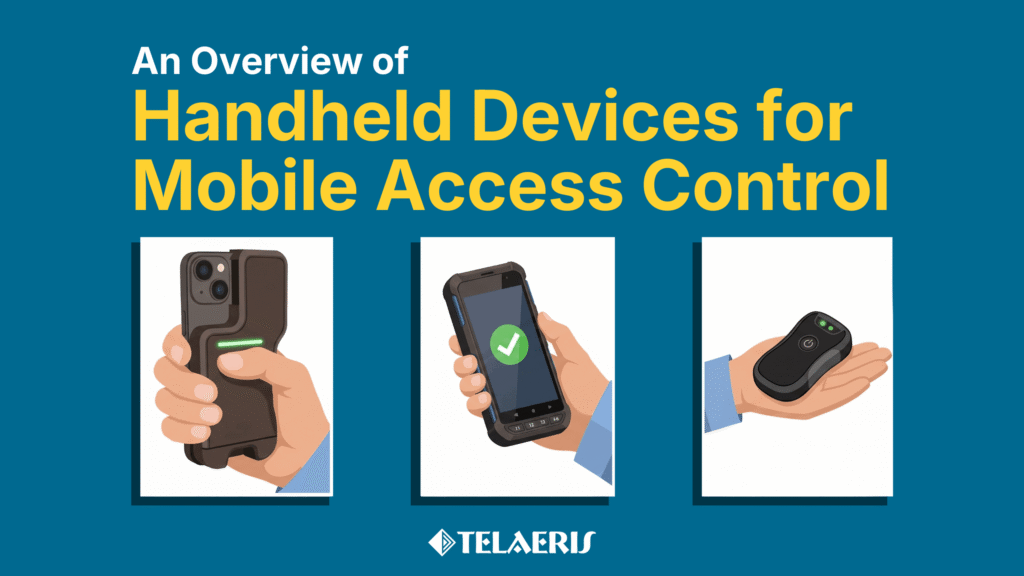
Comparing Handheld Devices For Mobile Access Control
Looking for a Handheld Badge Reader for Access Control? This blog outlines the different types of products available and what to consider when choosing a solution. What is mobile access...
Read Blog Post
Press Release
Telaeris Expands XPressEntry Platform With Guard Tour Capability at ISC West 2026
CLICK HERE TO READ ON SECURITYINFOWATCH.COM Telaeris introduces a unified guard tour solution within its XPressEntry platform, reducing the need for multiple security devices in the field. Telaeris, Inc. announced a...
Read Press Release
Case Study
XPressEntry Emergency Mustering with C•CURE 9000 for a Houston-Based Energy Company
Introduction This case study highlights a major U.S.-based energy company headquartered in downtown Houston, Texas. The organization occupies 10 floors within a shared high-rise office building and supports approximately 600...
Read Case Study